Fix text in place
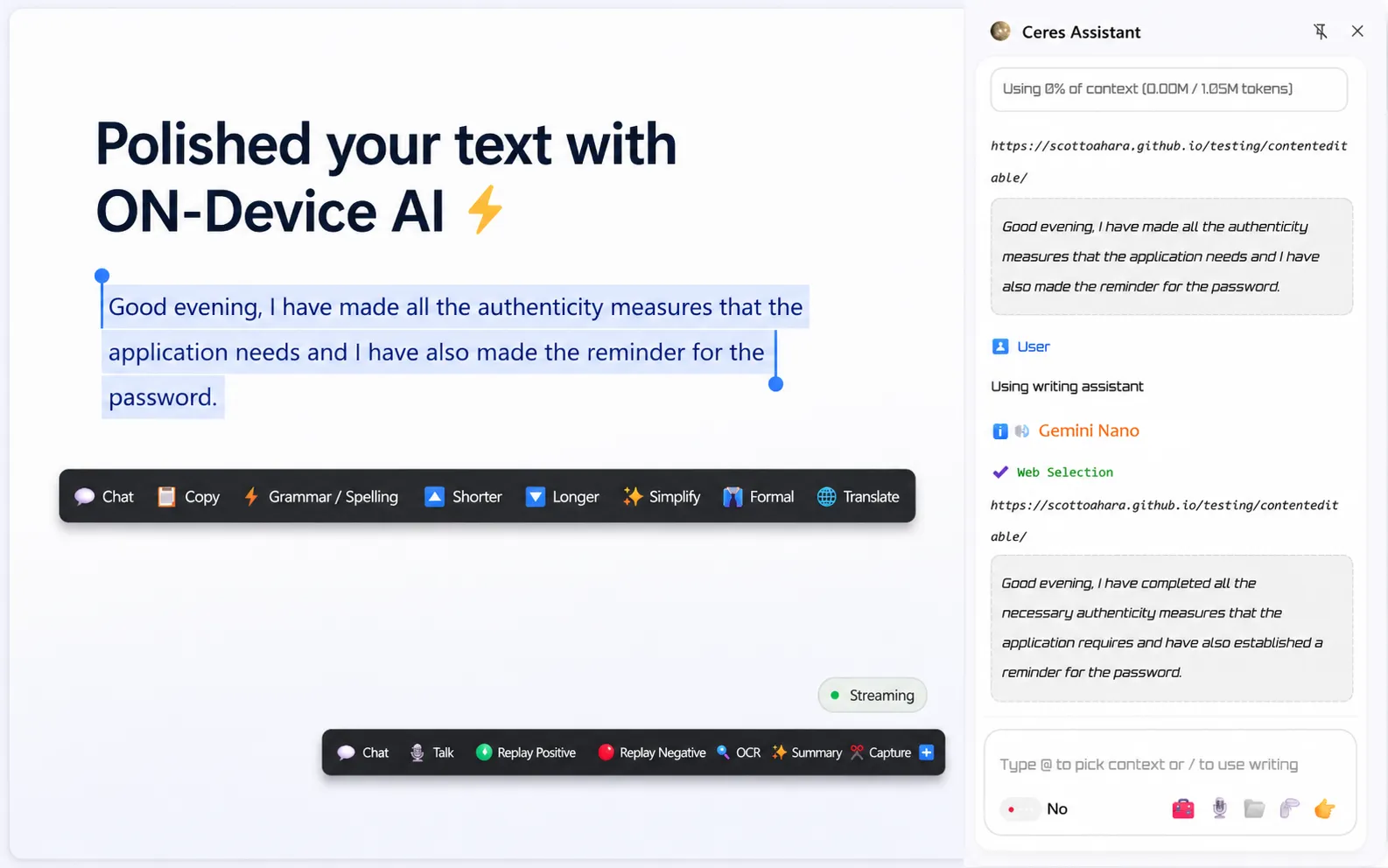
Clean up grammar, rewrite awkward sentences, and make text ready to send without leaving the field you are editing.
Clean up grammar, rewrite awkward sentences, and make text ready to send without leaving the field you are editing.
Keep the actions you use most close to the text: proofread, translate, shorten, expand, simplify, or change tone.
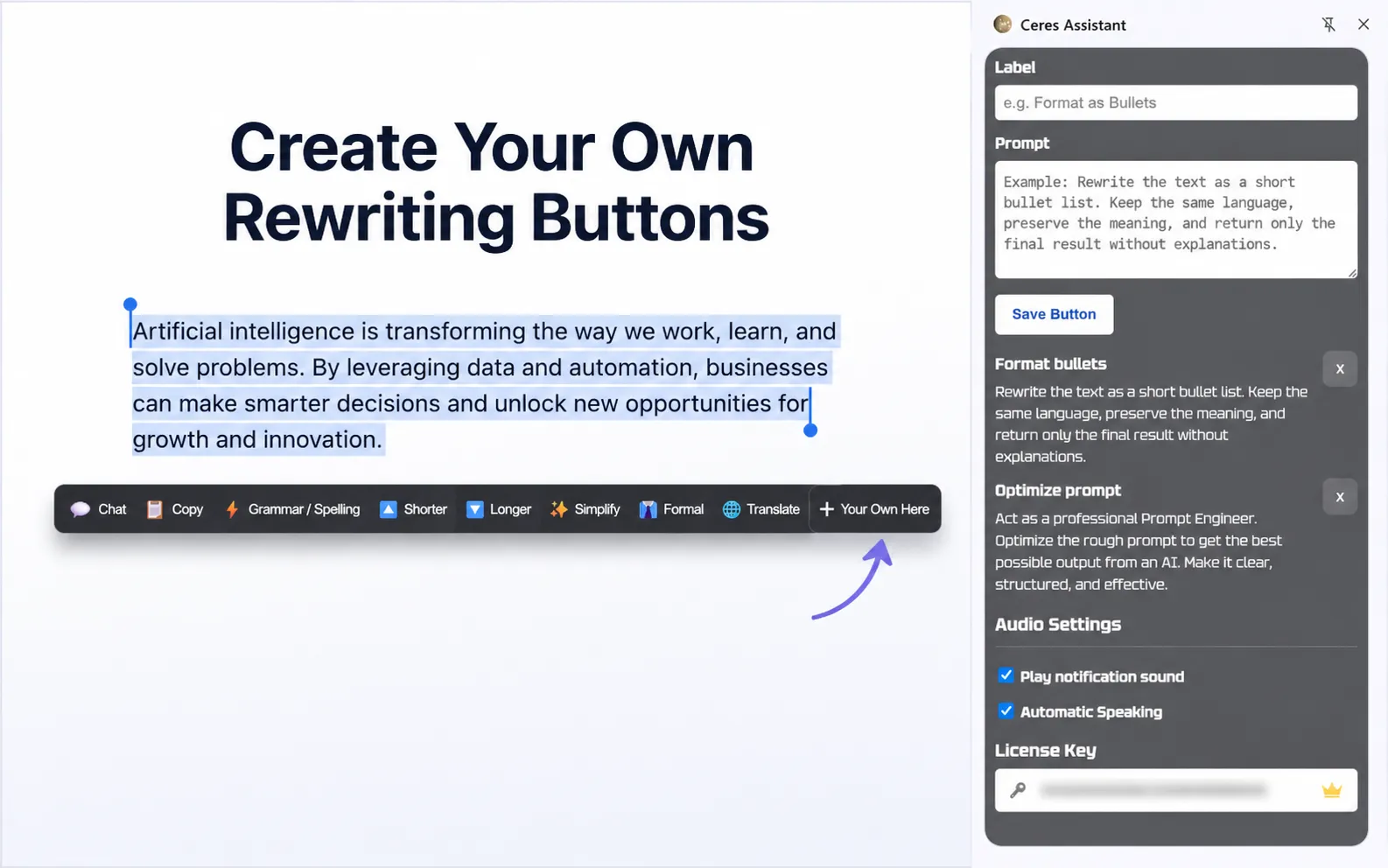
Create custom buttons with your own prompts for your specific writing needs.
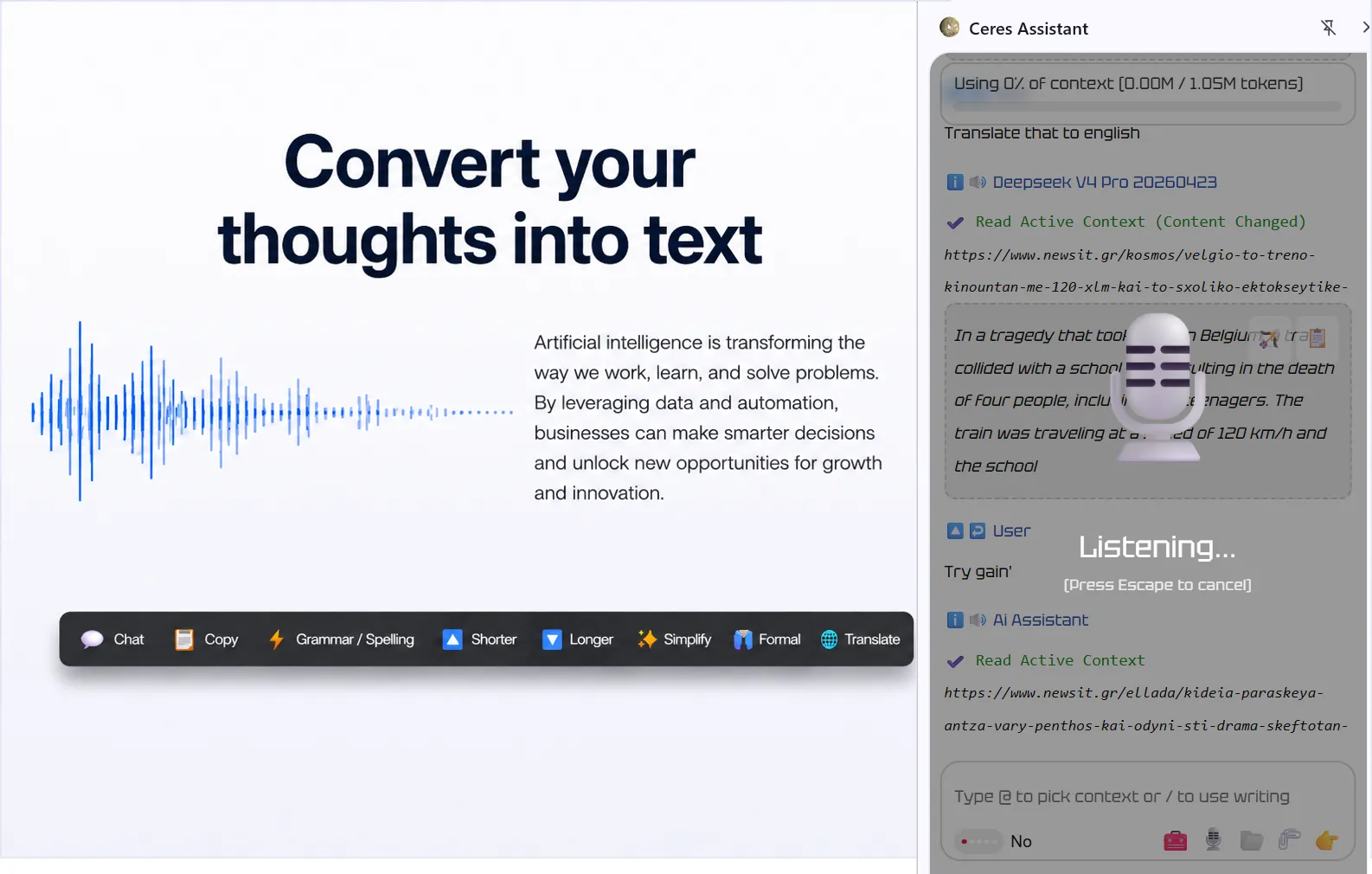
Speak naturally and turn your voice into text inside websites, then clean it up with the same rewrite buttons and apply it in place.
Summarize a page or selected text and have Ceres read it back in your preferred language, so web content becomes easier to follow hands-free.
Extract text from screenshots, images, and video frames, then use it in your writing or notes.
Explain phrases and terms from the page and enable speaking when leaving the screen.
Start by fixing the text in front of you. Use voice when typing slows you down, and read aloud when reading slows you down.
Make rough writing clearer, shorter, friendlier, or ready to send.
Talk naturally, turn it into text, then clean it up before sending.
Summarize selected text or a website and let Ceres speak it back in your native language.
Use more tools when you are ready. Ceres offers a full sidebar with AI chat when you need it.
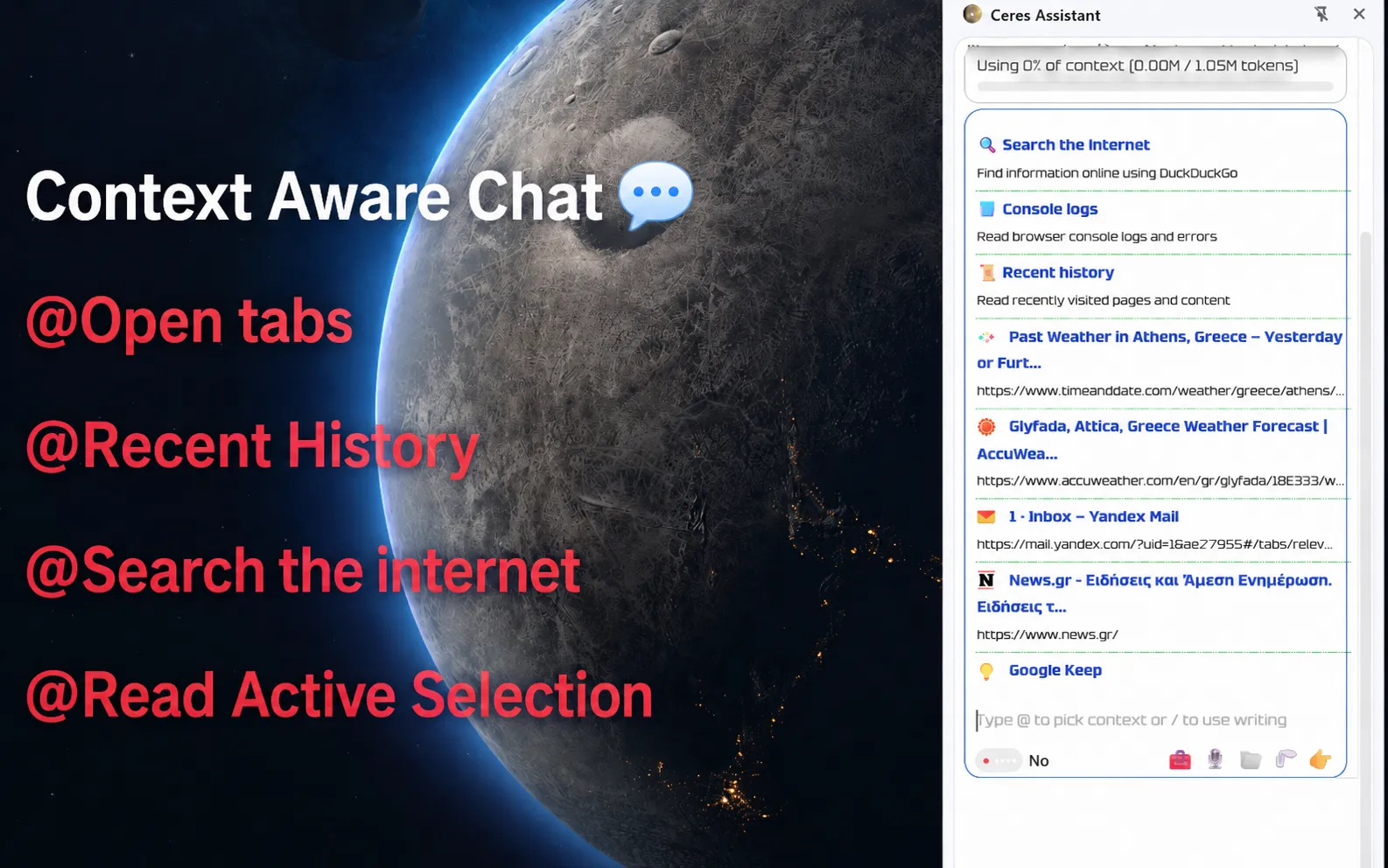
Fetch live web data to avoid stale context.
Pull content from any webpage into your session.
Analyze documents directly inside your workspace.
Summarize your browsing history to regain context.
This comparison is based on independent usage research and real developer feedback.
We evaluated these tools in everyday scenarios to provide an honest look at their efficiency and context control.
| Feature | Ceres | Sider | Gemini in Chrome | MaxAI | Merlin | HARPA AI |
|---|---|---|---|---|---|---|
| Local models / on-device writing AI | Yes Ollama/LM Studio + Gemini Nano writing actions | No | No | No | No | Yes via Ollama/LM Studio |
| Speech-to-text / voice typing | Yes | Limited | No | No | No | No |
| Read aloud / speech synthesis | Yes | Limited | Limited | Limited | Limited | No |
| Web search | Yes | Yes | Limited | Yes | Yes | Yes |
| Read current page / URL | Yes | Yes | Yes | Yes | Yes | Yes |
| Apply text in place | Yes | No | No | No | No | No |
| Floating writing buttons | Yes | Limited | No | Limited | Limited | No |
| Spoken edit instructions | Yes | No | No | No | No | No |
| Browser use | No | Under construction | Under construction | No | No | Yes |
| PDF support | Yes | Yes | No | Yes | Yes | Yes |
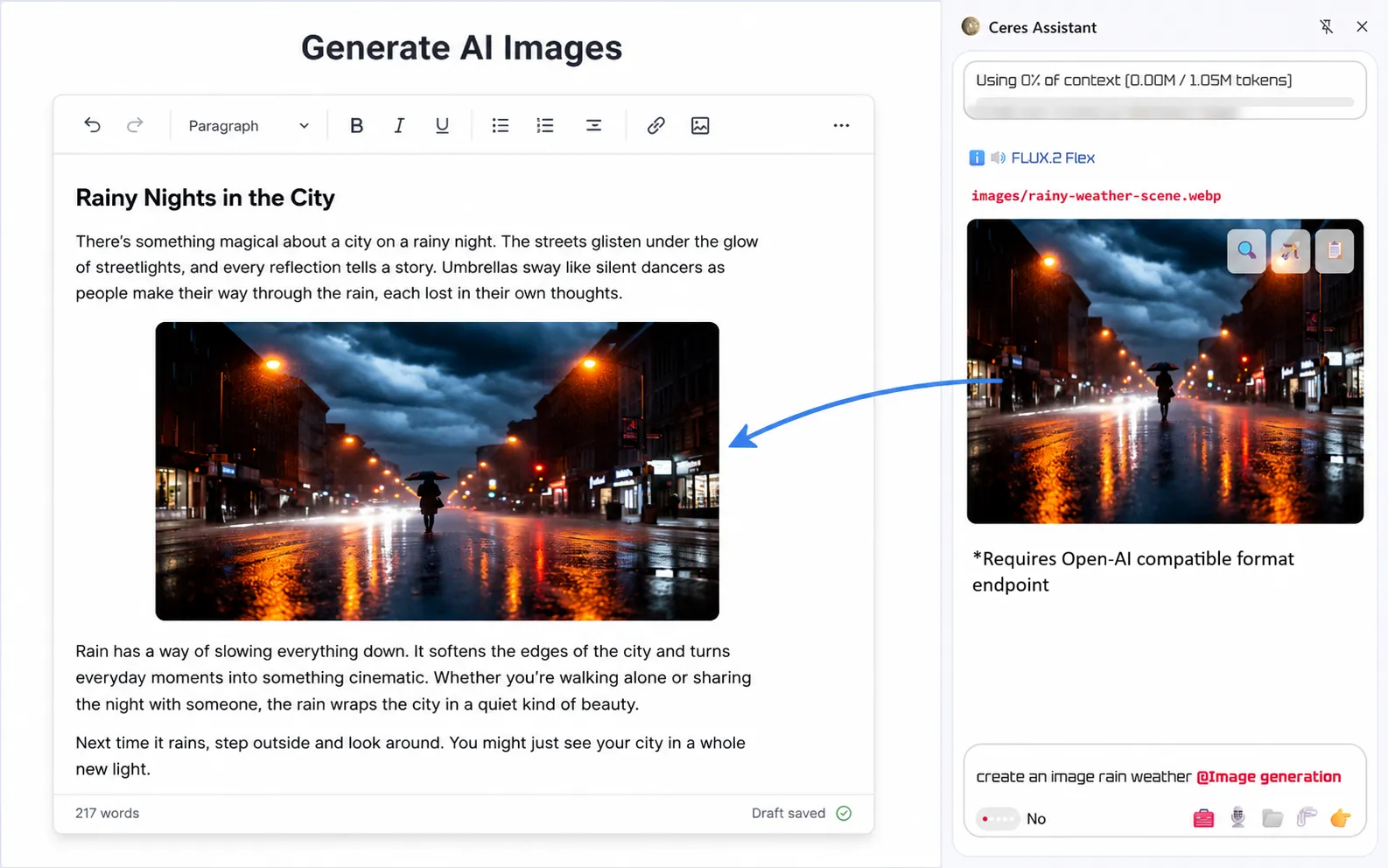
| Image generation | Yes | Yes | No | Yes | No | Yes |
| Custom API providers | Yes | Limited | No | No | No | Yes |
| Free usage | Yes | Yes | Yes | Yes | Yes | Yes |
| Context-aware chat with BYOK | Yes | No | Yes | No | No | No |
| Cost | $29 lifetime | $120+ / year | $239.88 / year Selected countries |
$144 / year | $228 / year | $144 / year |
Checked on April 12, 2026. Browser-extension workflow only. Some pricing is annualized from public monthly plans.
Ceres respects your token budget. Its lightweight engine reads only what you explicitly attach — no automatic codebase scans, no hidden context consumption. Built to work efficiently with small, local, and budget-friendly models, it keeps usage predictable and costs low while delivering precise AI assistance right where you code.
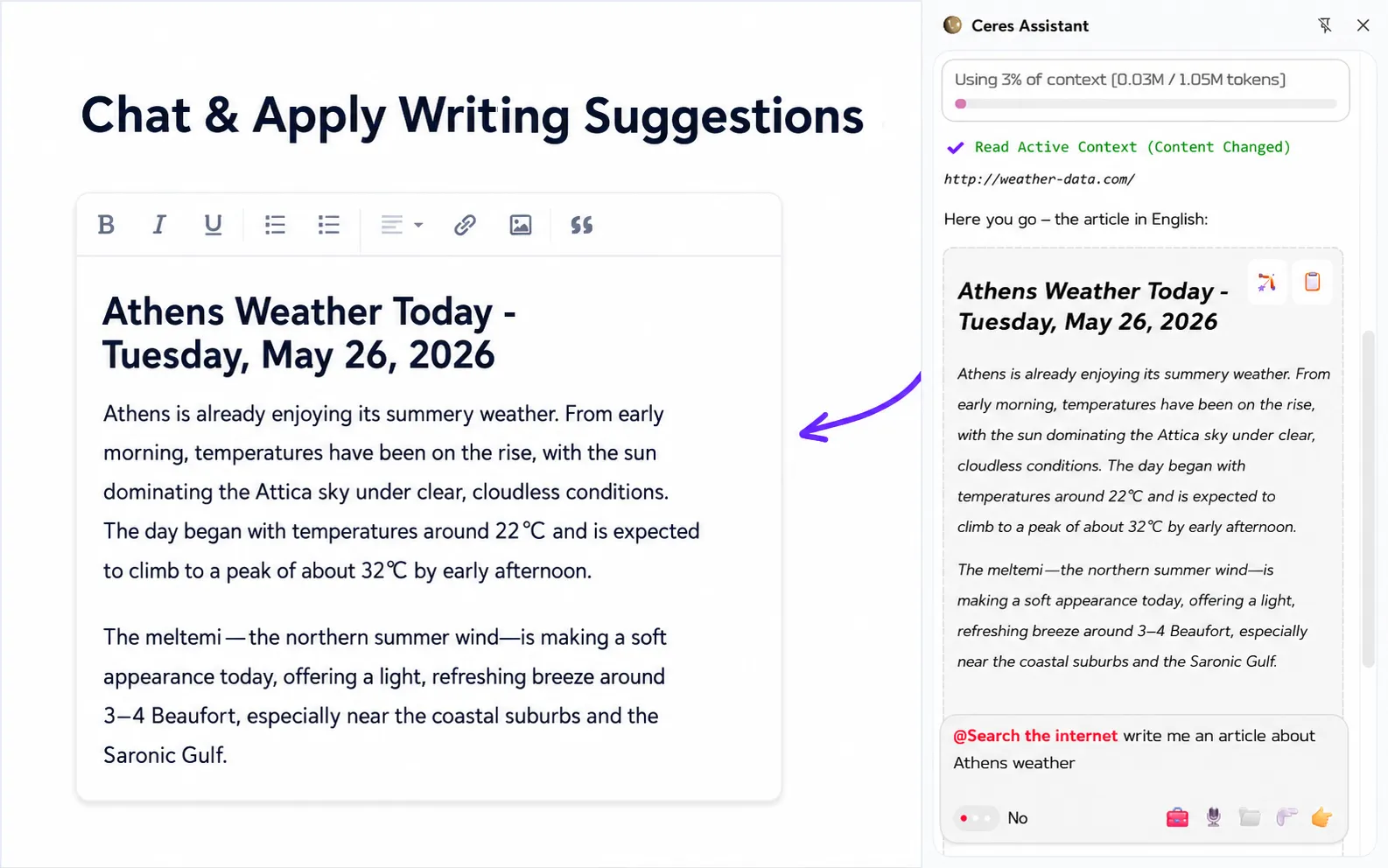
Select any block, ask for a change, and see the fix applied directly into your editor without copy‑paste or switching windows.
Preview every AI suggestion side‑by‑side in a diff view, accept what works, and reject what doesn’t — your code never changes without your approval.
Ceres never crawls your project. It uses explicit context attachment — only the files, selections or URLs you @Attach are sent to the model. Because each request carries a minimal payload, it reduces token usage, keeps latency low, and delivers faster responses even with small local models.
Attach blocks Print code Review diff Apply suggestions
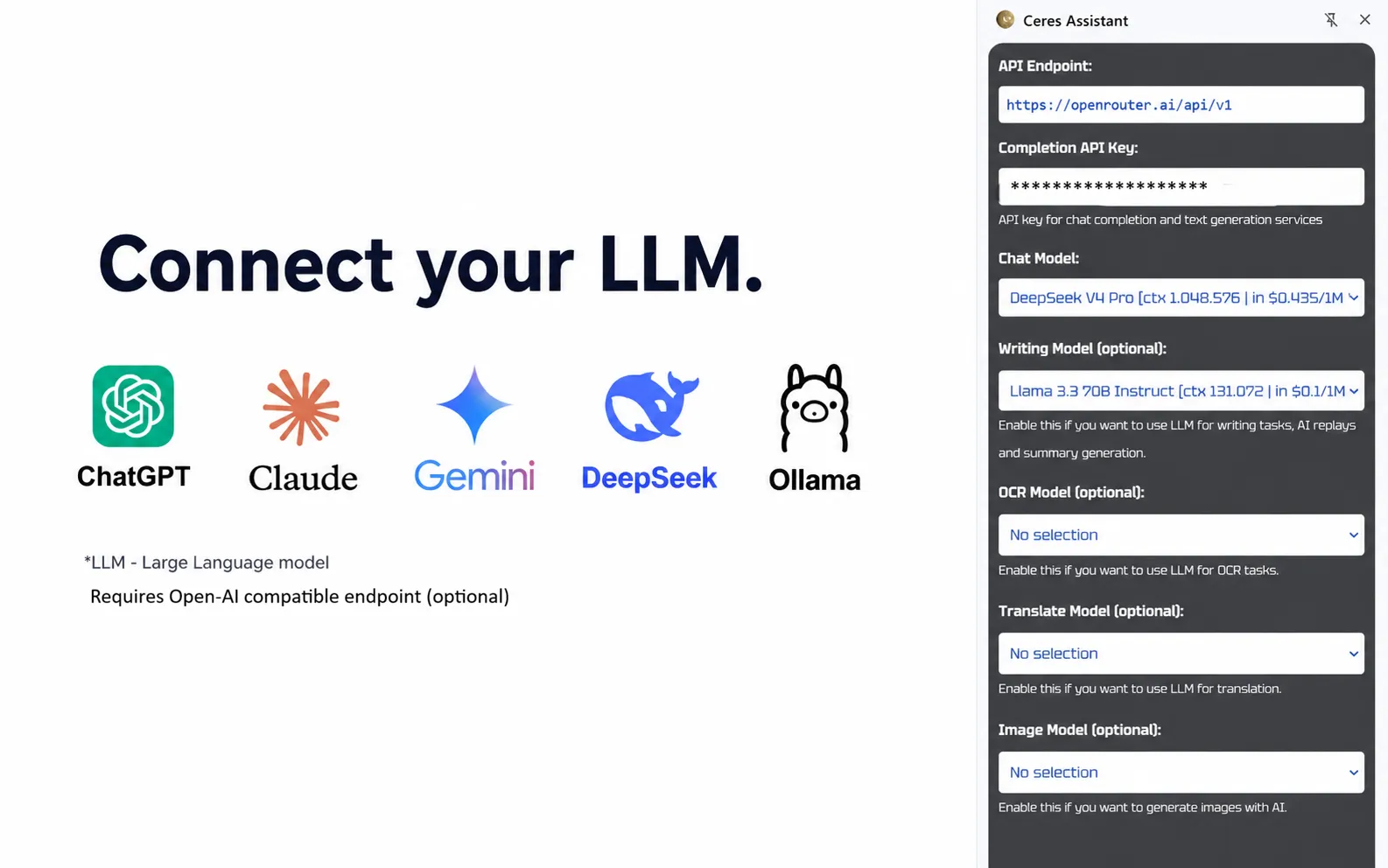
Use OpenAI, DeepSeek, Ollama, LM Studio, or any compatible endpoint — the lightweight engine is optimized for small and local models, so you stay fast and budget‑conscious.