Capture Tool
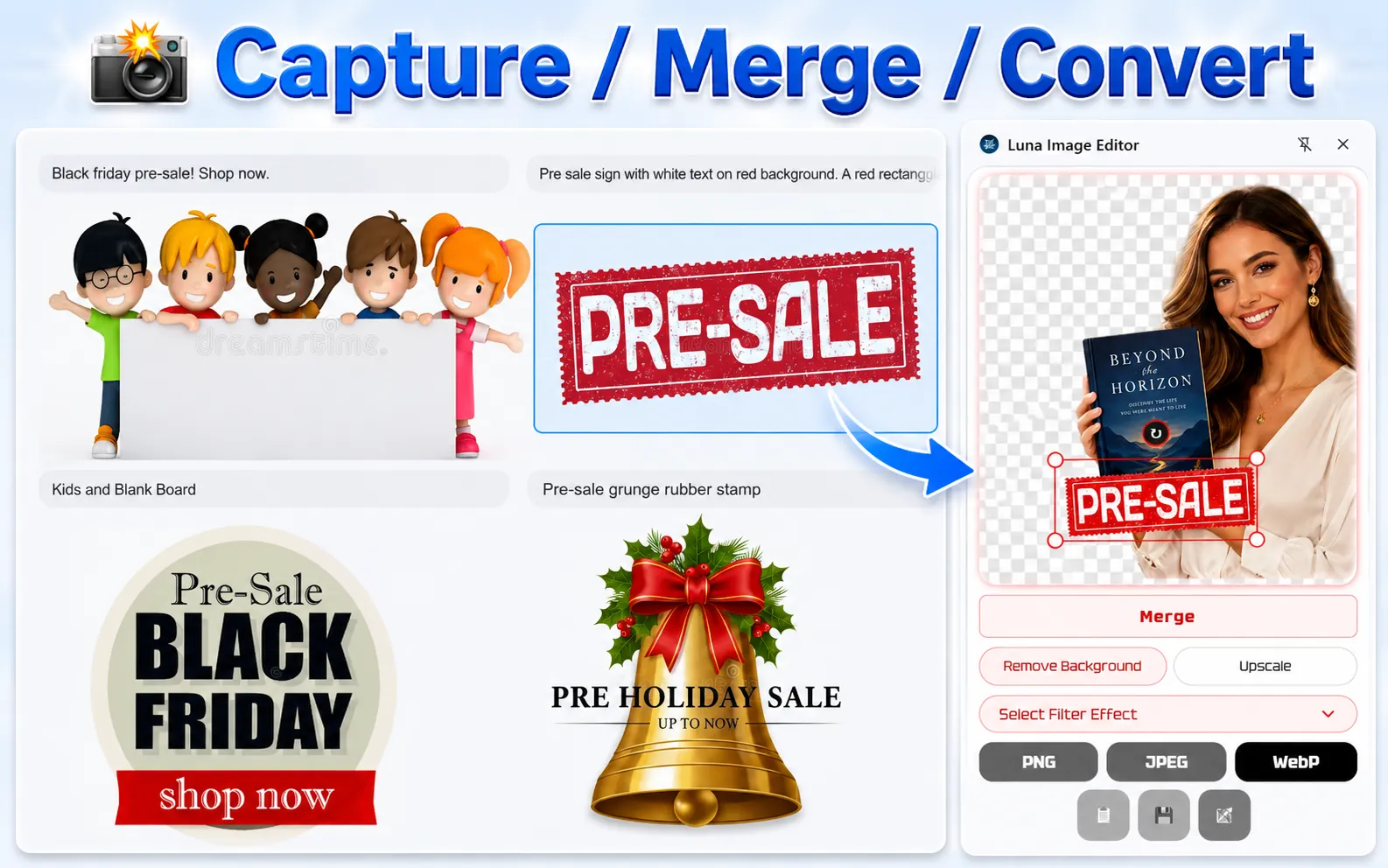
Capture any area of your screen, then save it as an image or copy it instantly for use in chats, documents, websites, or projects.
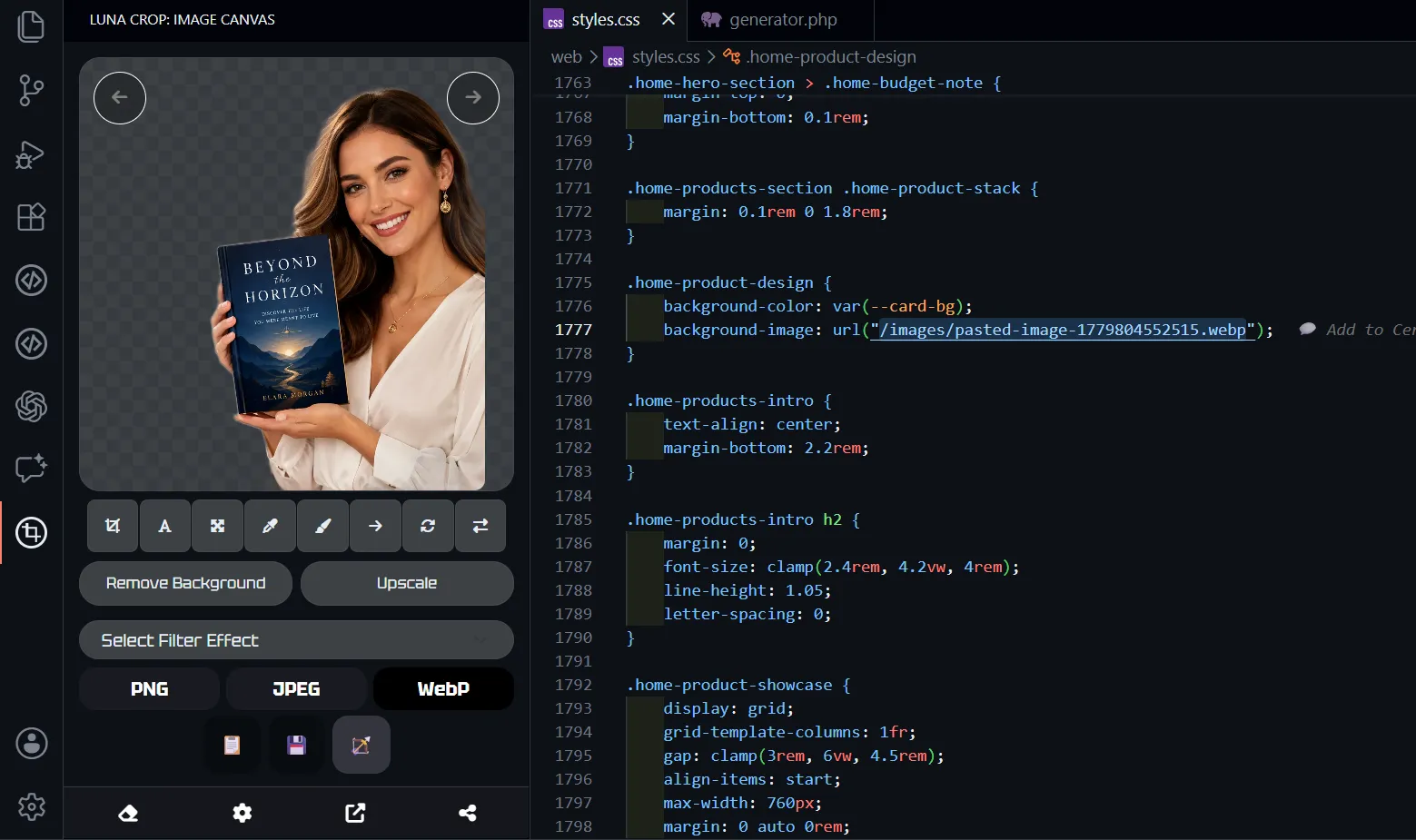
Capture any area of your screen, then save it as an image or copy it instantly for use in chats, documents, websites, or projects.
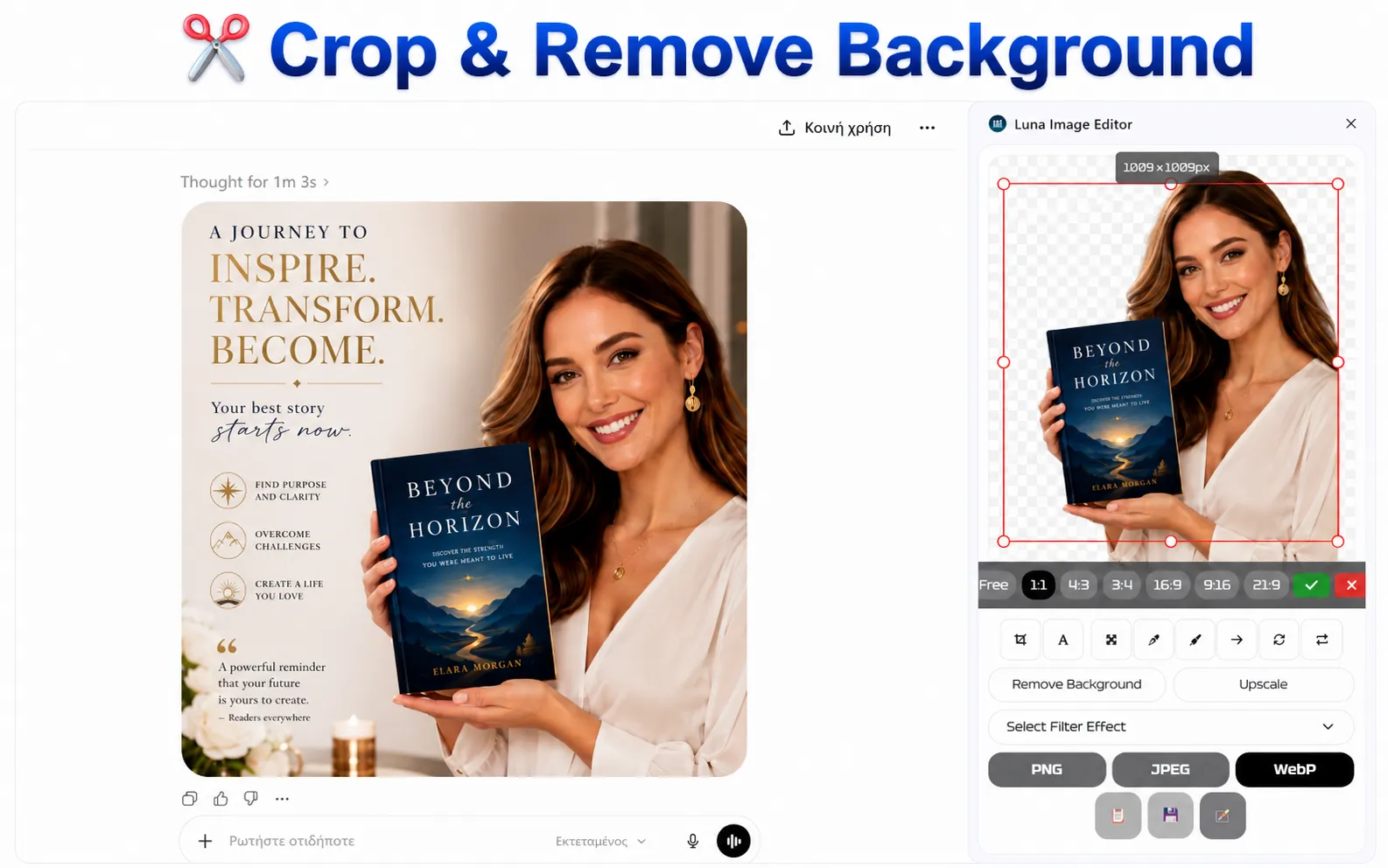
Cut the exact part of an image or screenshot you need, remove extra space, and prepare a cleaner visual in seconds.
Use simple editing tools like add text, resize, color adjustments, brush, draw, rotate, and quick visual fixes to finish the image without opening a full design app.
Remove the background from logos, product images, screenshots, and visual assets so the subject is ready to use anywhere.
* On-device AI. Your image data does not leave your device.
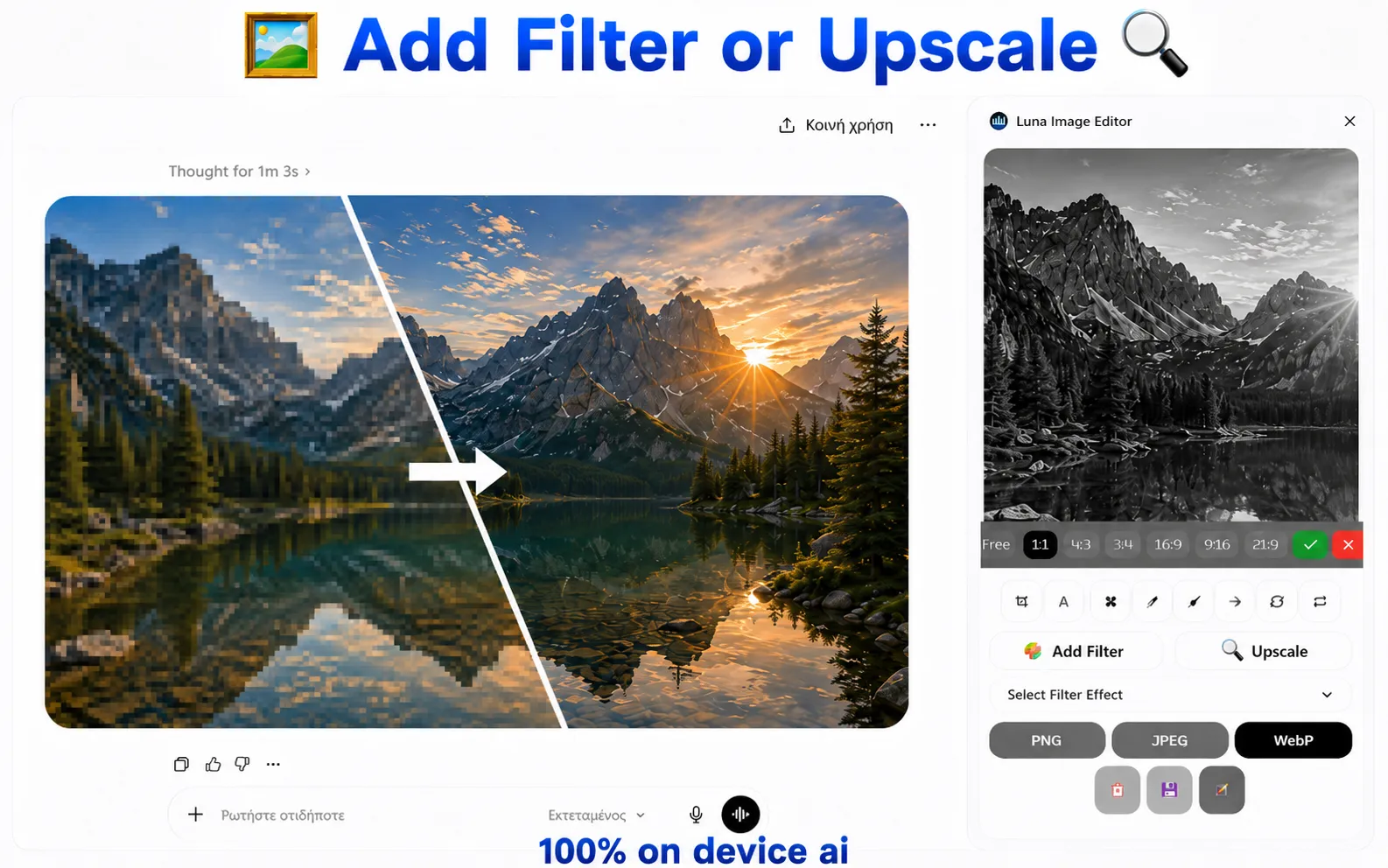
Increase image size and improve usable detail when a screenshot, logo, or generated image is too small for the next step.
* On-device AI. Your image data does not leave your device.
Deliver your images in the right format for the job, including PNG, JPG, and WebP.
Send the finished image back to your browser, page, field, or project without extra export steps.
Add text, graphics, or another image on top of your screenshot or visual asset.
Combine screen capture with powerful image editing capabilities, all in one seamless workflow.
Keep only the part you need.
Fit the image to the size you need.
Combine multiple image parts into one asset.
Flip or rotate the image quickly.
Tune color, contrast, and small visual details.
Luna is for designers, office assistants, website managers, e-shop teams, content editors, and anyone who needs to finish image tasks quickly without opening a separate design program. It keeps small daily image jobs fast and close to the work you are already doing.